Joomla Image Gallery Extension

The Joomla image gallery.
Blazing fast.
Fully yours.

Create responsive image galleries in Joomla with 14 professional layouts, 7 lightbox engines, native WebP, automatic watermarking and total shortcode control.
14
TEMPLATES
7
LIGHTBOXES
J6
READY
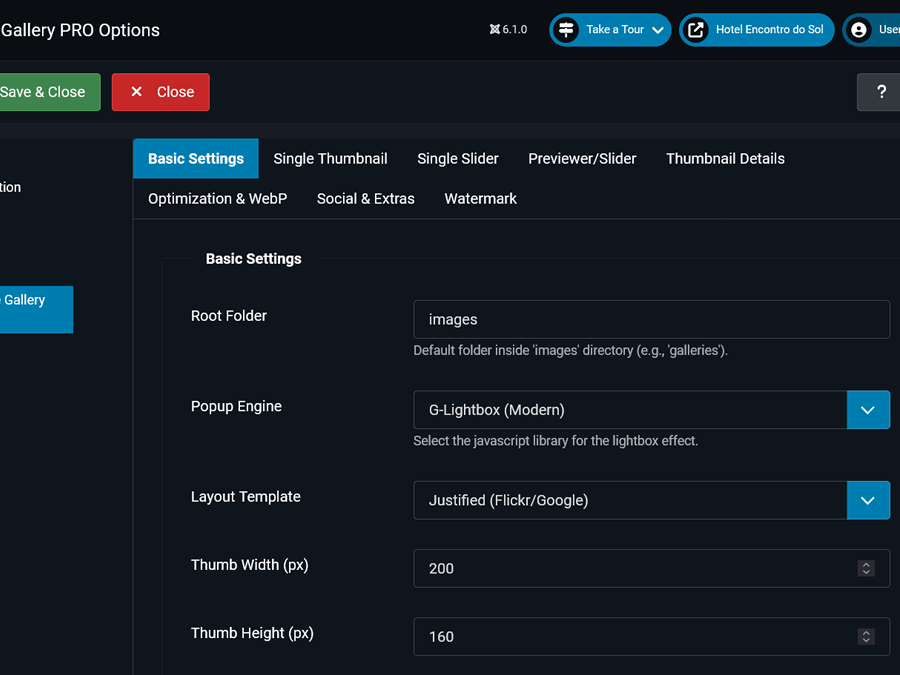
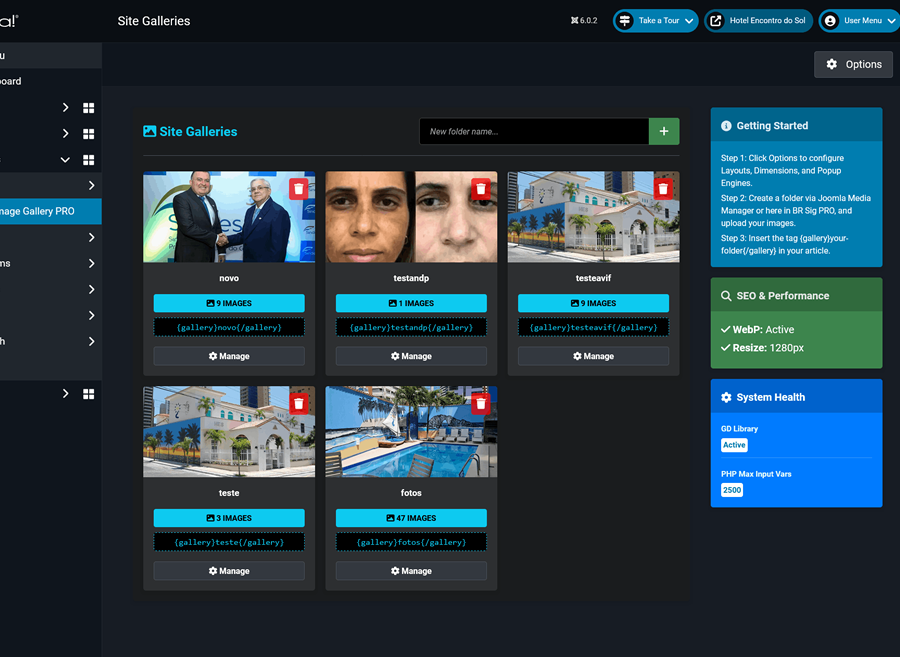
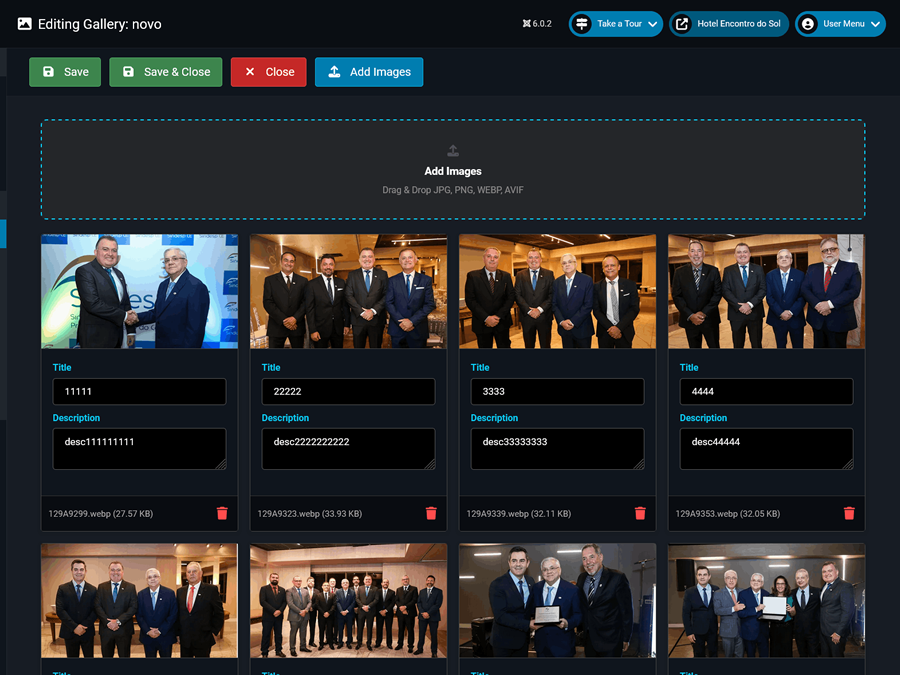
BR Simple Image Gallery PRO dashboard in Joomla Joomla image gallery management dashboard Joomla gallery extension configuration screen
Auto WebP Conversion
images load 3× faster
COMPATIBLE WITH
Joomla 4.x Joomla 5.x Joomla 6.x ✓ TinyMCE PHP 8.x WebP

A complete Joomla image gallery.
Nothing you don't need.

Built specifically for Joomla websites that need fast image galleries, flexible presentation and a polished visitor experience.

Native WebP & Performance
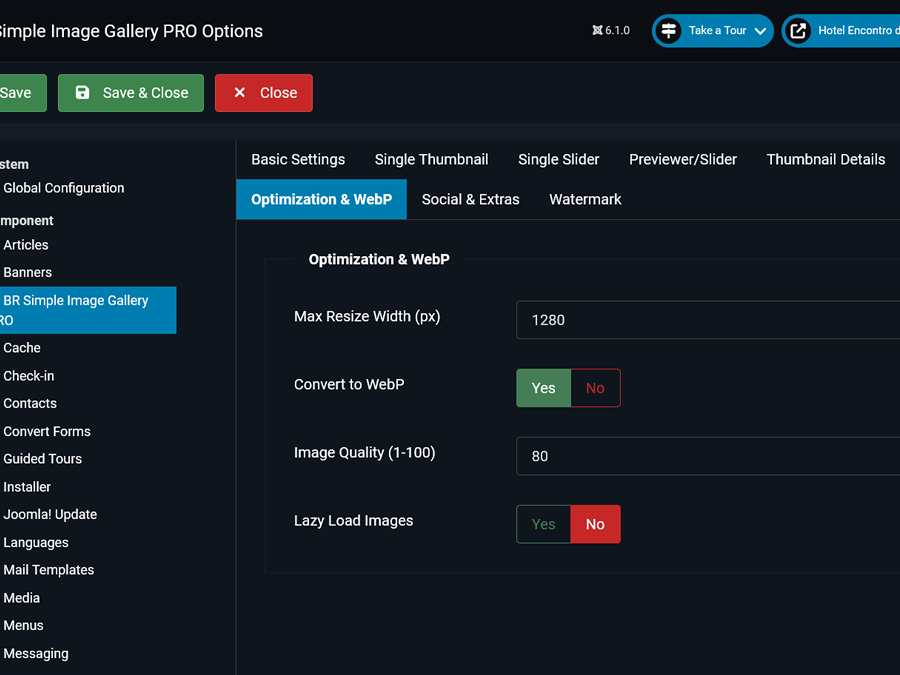
Automatically converts uploads to WebP, intelligently resizes large images on the fly, and lazy-loads everything.
  • Auto WebP conversion on upload
  • Smart resize with max-width control
  • Quality slider (1–100%)
  • Native lazy load
🛡️
Professional Watermarking
Apply your logo with surgical precision. 7 exact positions, full opacity control and smart size protection.
  • 7 exact position presets
  • Opacity 0–100% control
  • Min-width protection (skip small thumbs)
  • Max ratio relative to photo
🎨
14 Gallery Layouts
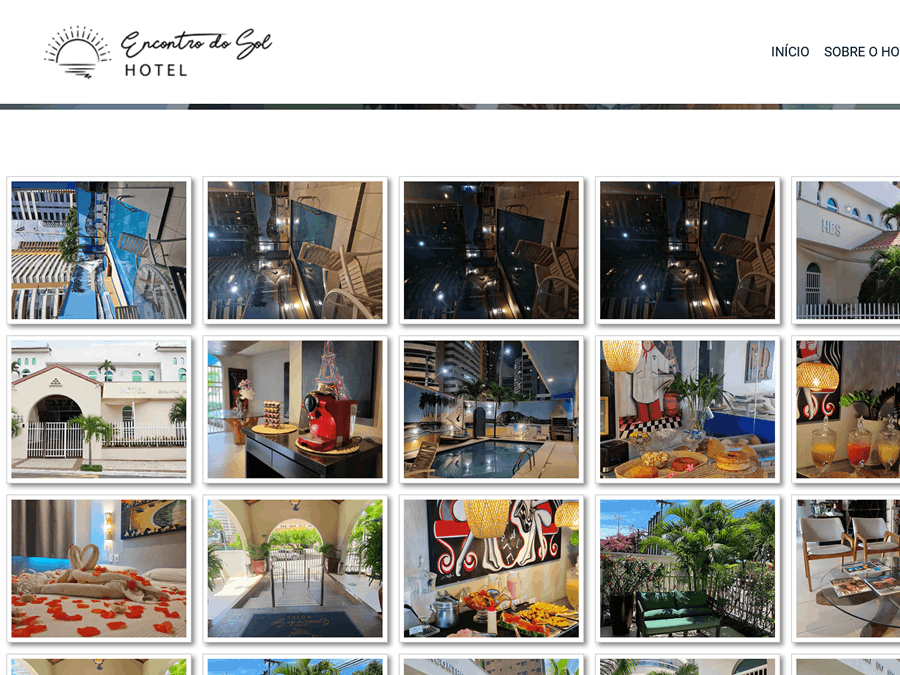
From Classic grids to Pinterest Masonry, Polaroids, Instagram Square and more. Pick the perfect look for every project.
  • Masonry / Justified / Seamless
  • Polaroid, Sleek, Artistic, Elegant
  • SingleThumb, SingleSlider, Previewer
  • Square (Instagram-style)
⚙️
Smart Sorting & Grid Control
Full control over how images are ordered and sized. Show or hide titles and descriptions per gallery.
  • 5 sort modes (A-Z, date, random…)
  • Custom thumbnail width & height
  • Hover title & description toggle
📤
Social Sharing & Download
Let visitors share and download images directly — increasing engagement without any extra plugin.
  • Native download button
  • WhatsApp, Facebook, X/Twitter
  • Pinterest sharing built-in
🖱️
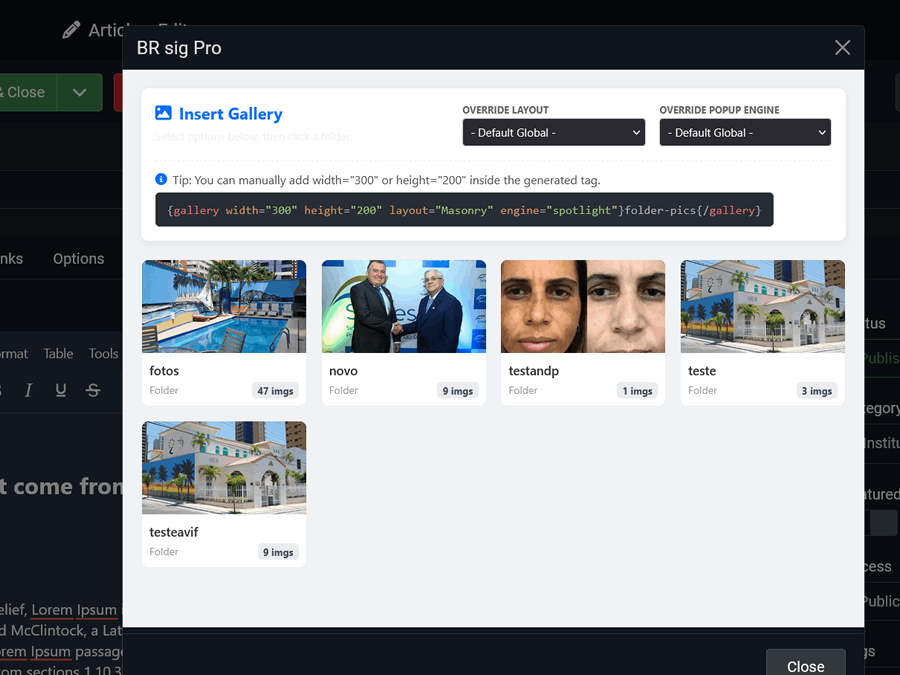
Shortcode Overrides
Set global defaults and override any option inline in your article. Per-gallery customization with zero effort.
  • Inline attribute overrides
  • Layout, engine, size per article
  • Native TinyMCE SVG button

One Joomla gallery.
Different ways to use it.

Start with a layout that fits the job, then adjust the engine, captions, downloads and sharing for each gallery.

Photography portfolios

Present landscape, portrait or event work in balanced rows, preserve image detail and let clients open full-screen previews.

Justified + PhotoSwipe
Open this setup in the demo →

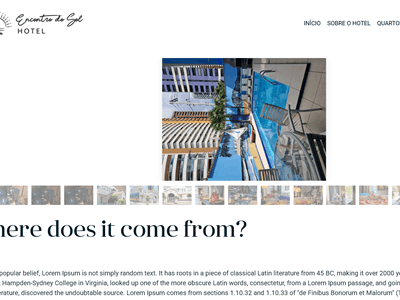
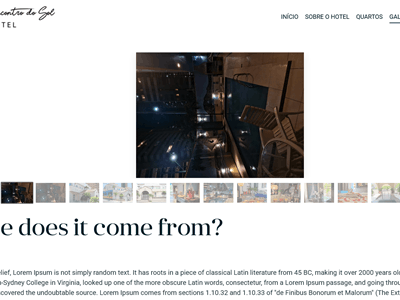
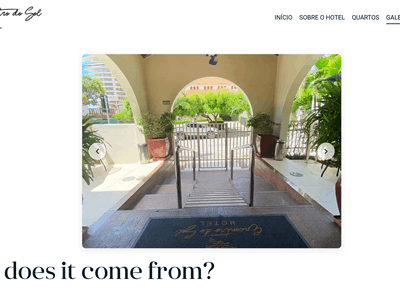
Hotels and travel

Lead with one large destination image and let visitors move naturally through rooms, facilities, tours or local attractions.

SliderPreview
Open this setup in the demo →

Agencies and client sites

Reuse one familiar Joomla workflow while giving every client gallery its own layout, dimensions, lightbox and behavior.

Classic + FancyBox
Open this setup in the demo →

Editorial and creators

Build clean visual stories for articles, products, food, events and social content with optional sharing and downloads.

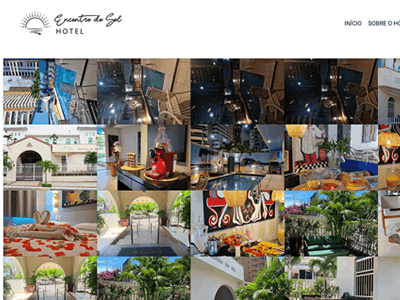
Square + G-Lightbox
Open this setup in the demo →

14 Joomla Gallery Layouts + 7 Lightboxes

Mix and match responsive Joomla image gallery layouts with real lightbox engines for complete creative freedom.
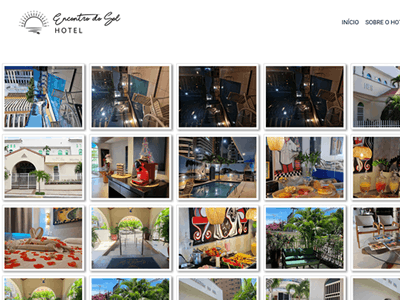
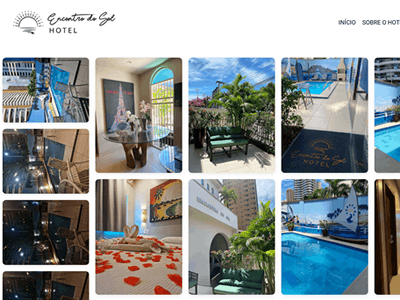
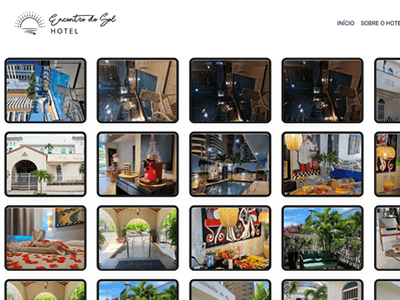
Classic Joomla image gallery grid layout
Classic Grid
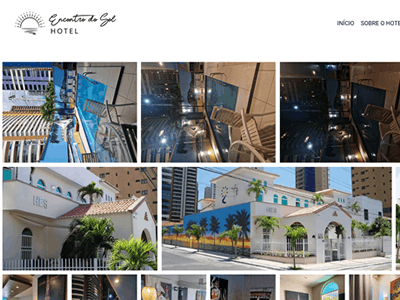
Masonry Joomla photo gallery layout
Masonry Pinterest
Justified responsive Joomla image gallery layout
Justified Flickr
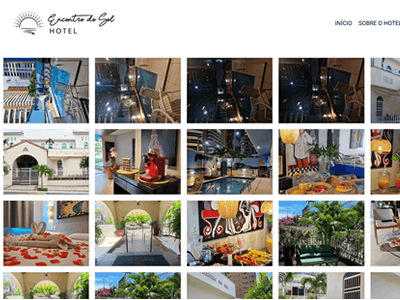
Square Instagram-style Joomla gallery layout
Square Instagram
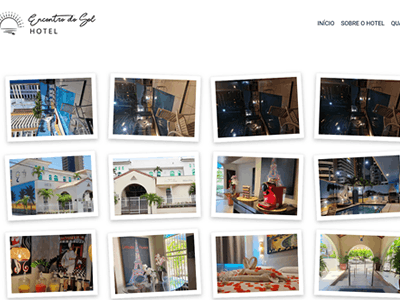
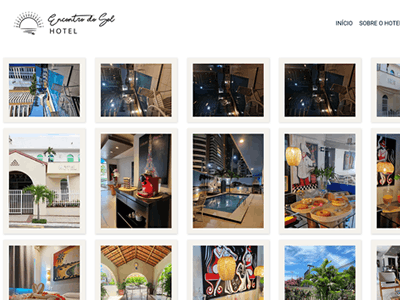
Polaroids Joomla image gallery layout
Polaroids Vintage
Previewer Joomla gallery layout with thumbnails
Previewer +Viewer
Slider Preview Joomla image gallery layout
SliderPreview Slider
Single Slider Joomla gallery layout
SingleSlider Autoplay
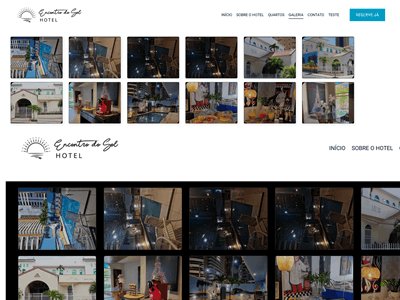
Seamless no-gap Joomla image gallery layout
Seamless No Gap
Sleek Joomla photo gallery layout
Sleek Minimal
Elegant framed Joomla image gallery layout
Elegant Refined
Artistic and Galleria Joomla gallery layouts
Artistic & Galleria Pro
Brand Protection

Professional watermarking.
Pixel-perfect control.

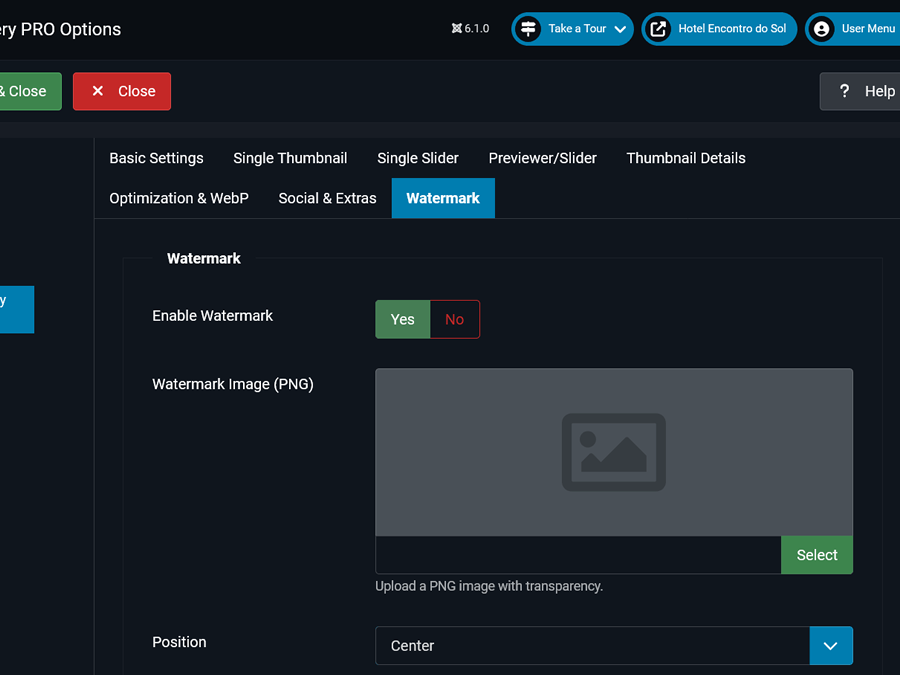
Apply your transparent PNG logo to every photo with surgical precision. Choose from 7 exact positions, control opacity and margins — and protect your brand on every image automatically.
📍
7 Exact Position Presets
Center, Top Left, Top Right, Bottom Left, Bottom Right, Top Center, Bottom Center.
🎚️
Full Fine-Tuning
Opacity (0–100%), padding in px, and max logo ratio relative to the photo.
🔒
Smart Protection
Set a minimum width (e.g. 300px) to skip watermarking on tiny thumbnails automatically.
Joomla image gallery watermark settings Watermark position controls in BR Gallery PRO Joomla gallery watermark opacity and sizing options

Override anything,
anywhere.

Set global defaults once, then override any option per-article using simple inline attributes. No extra config panels needed.

JOOMLA ARTICLE — SHORTCODE

{gallery}my-portfolio{/gallery}


{gallery layout="Masonry" engine="PhotoSwipe" width="320" height="240"}wedding-photos{/gallery}


{gallery layout="SingleThumb" label="View Full Gallery"}product-shots{/gallery}
🖱️ TinyMCE Button
Native SVG icon injected directly in the Joomla 5/6 editor. No font glitches, no plugins conflicts.
⚙️ Global + Local
Configure once in the plugin settings. Override selectively per article. Maximum flexibility, minimum effort.
🧠 Smart Alerts
The backend notifies you about server limits (Max Input Vars) and performance tips for Masonry or Watermark.
Joomla gallery WebP and performance settings Image optimization controls for Joomla galleries BR Gallery PRO server performance dashboard
Speed & SEO

Images that load
at full speed.

BR Gallery PRO is engineered for Core Web Vitals. Every image is optimized automatically, so your galleries never slow down your Joomla site.

~70%
average WebP size reduction
Lazy
native load — no extra JS
100%
quality control via slider
Auto
resize before saving to disk

Pay for the gallery.
Not the calendar.

Many commercial Joomla extensions turn updates into a recurring bill. BR Gallery PRO uses a straightforward one-time license.

Typical annual model

The cost keeps coming back

  • Renew every year to keep receiving updates
  • Major releases may require another purchase
  • Long-term cost grows with every renewal
  • Access to current packages may depend on an active plan
BR Gallery PRO

Buy once. Keep building.

  • One-time $15 payment — no annual subscription
  • Future updates and new versions are included
  • No forced repurchase when a major release arrives
  • Your purchased extension remains yours to use

BR Gallery PRO is new, so we will not manufacture social proof. Instead, every layout and engine is available in the live demo for you to verify before buying.

Joomla Gallery Free vs PRO

Start free — upgrade when you're ready for the full professional toolkit.

Feature Free
PRO RECOMMENDED
Display Templates3✦ 14 Layouts
Lightbox Engines1 (Spotlight)✦ All 7 Engines
Native WebP Conversion
Smart Image Resize on Upload
Image Quality Control (slider)
Professional Watermarking System
Shortcode OverridesLimited✦ Full control
Social Sharing + Download Button
Sorting ModesAlphabetical only✦ 5 modes
Slider Autoplay + Transition Effects
Drag & Drop Dashboard Upload
Joomla 4 / 5 / 6 Compatible
Priority Support
Lifetime Updates (PRO)
Get PRO for $15
one-time payment · lifetime license
✓ Instant download ✓ Joomla 4/5/6 compatible ✓ Lifetime license ✓ Priority support

Up and running in minutes.

Install, configure and publish your first gallery without touching a single line of code.

01
📦
Install the Component
Download your PRO package from Whop and install it via Joomla's Extension Manager in seconds.
02
🖼️
Upload Your Images
Use the Dashboard's Drag & Drop interface to create folders and upload batches of images instantly.
03
🎨
Choose Your Style
Pick a template, select a lightbox engine, configure watermarks and sorting — all from one settings panel.
04
🚀
Publish to Your Site
Insert the shortcode in any Joomla article using the TinyMCE button. Publish. Done.

Joomla Image Gallery FAQ

Everything you need to know before buying.

Is this compatible with Joomla 6?+
Yes. BR Simple Image Gallery PRO is fully compatible with Joomla 4, 5, and 6 — including the latest releases. It's built with modern PHP 8.x standards.
Is it a one-time payment or a subscription?+
One-time payment. Pay once and get a lifetime PRO license with all future updates included. No recurring fees, ever.
What does "lifetime license" really mean? 🔑+
It means exactly what it says. You buy it once — it's yours forever. No annual renewals, no subscriptions, no expiration date. Install it on as many websites as you want, for as long as you want. Future updates are included at no extra cost. You own it.
Does WebP conversion require any server configuration?+
No. As long as your hosting has the GD or Imagick PHP extension enabled (standard on virtually every host), WebP conversion works out of the box. The component will alert you if anything is missing.
Can I use different layouts for different galleries on the same page?+
Absolutely. You can set global defaults and then override the layout, lightbox engine, thumbnail size, and more per-gallery using inline shortcode attributes.
Does the watermark affect the original images?+
No. Watermarks are applied to the resized/converted output files. Your original uploaded images are always preserved untouched.
How many sites can I use the license on?+
Please check the license details on the Whop product page for the exact usage terms. Single-site and multi-site options are available.
Is there support available?+
Yes. PRO customers get priority support. Free users can access community support via the official Joomla Extensions Directory page.

The last Joomla image gallery
your website will ever need.

14 layouts, 7 lightboxes, WebP, watermarking and shortcode overrides — everything in one lightweight Joomla extension.

✓ Instant download ✓ Lifetime license ✓ Joomla 4/5/6 ready